Accessing Adobe Express as a CCPS Student
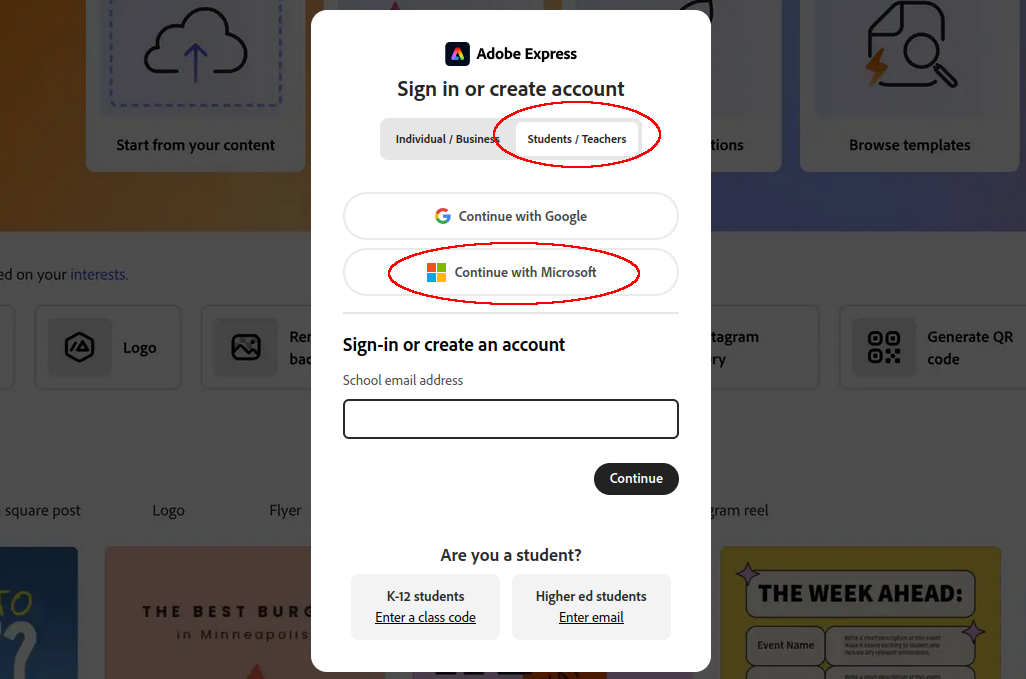
- Go to https://www.adobe.com/express/login
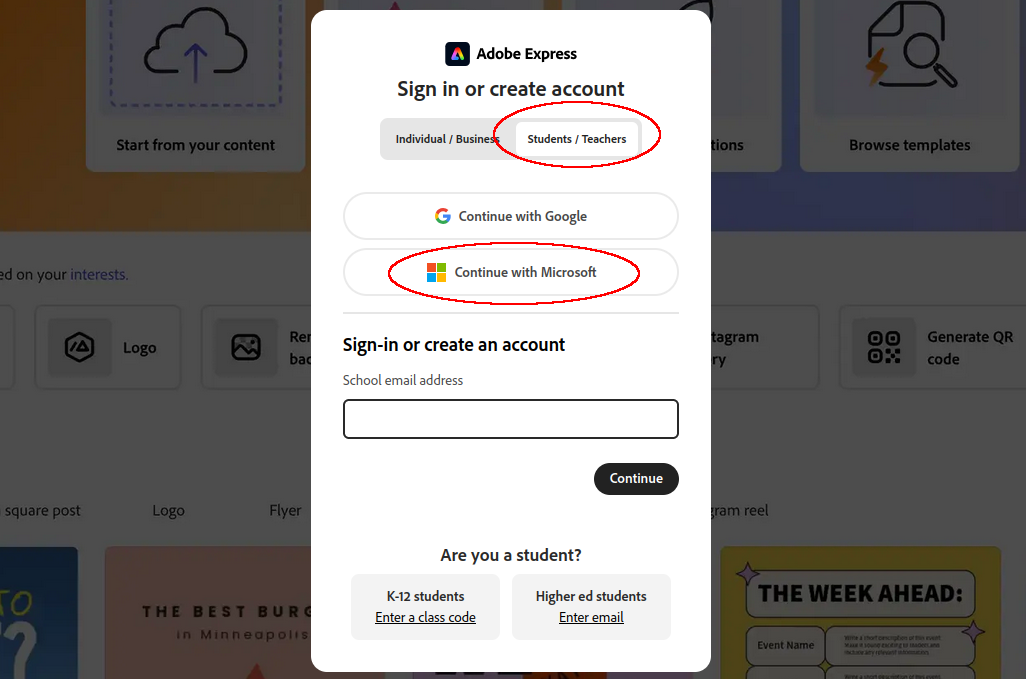
SelectClickI’mStudentsa/studentTeachers and then Continue with Microsoft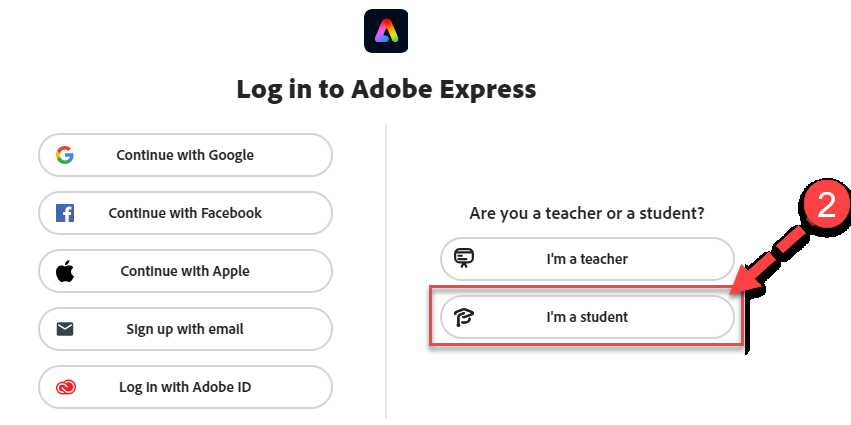
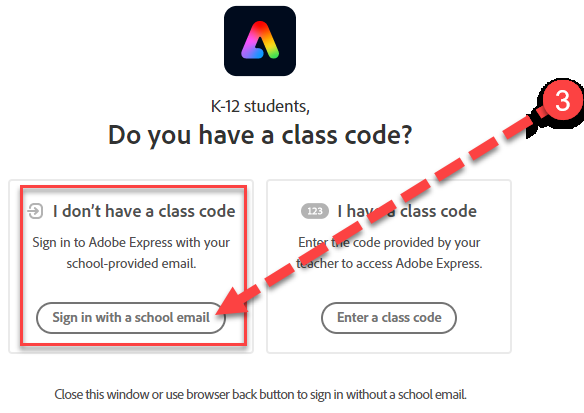
SelectLoginSignusinginyourwith a schoolstudent email
address
and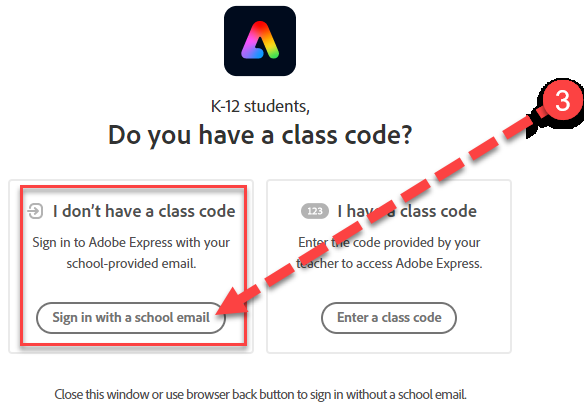 password
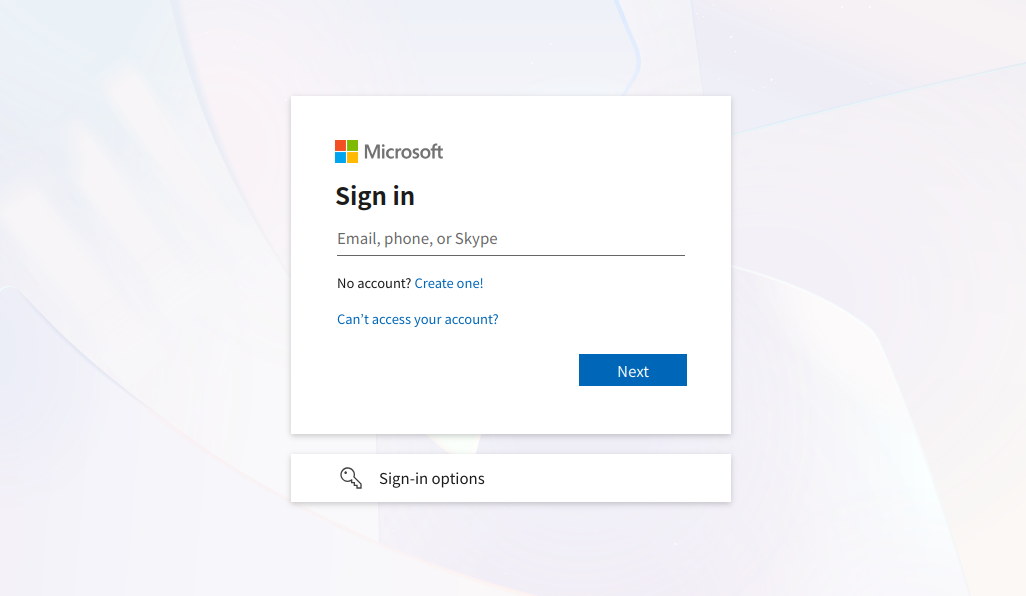
 Select Continue with Google. Haveon thestudentMicrosoftsignloginin using their CCPS credentials if needed.page.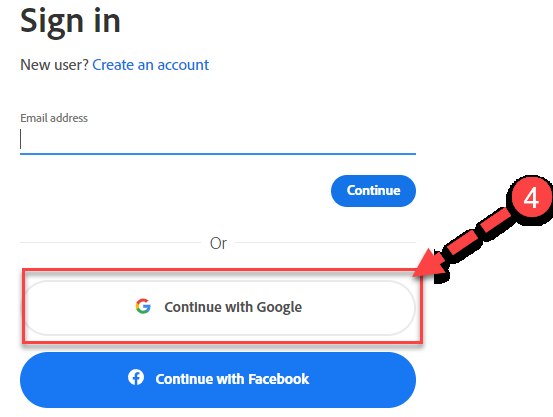
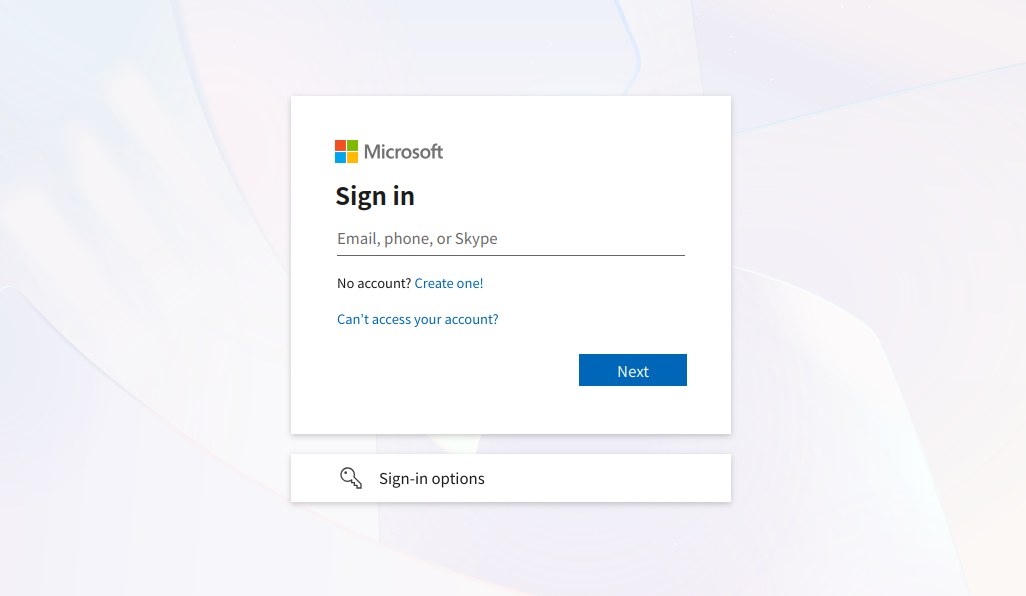
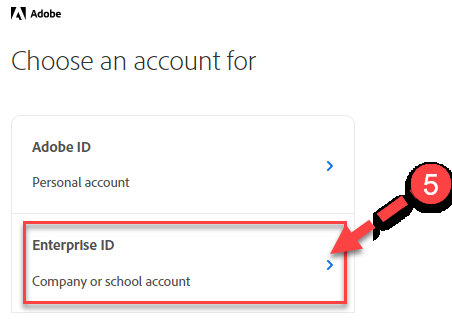
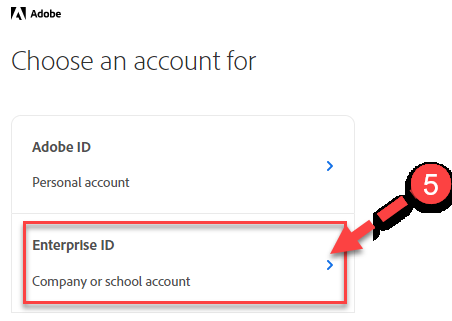
Select Enterprise ID. The student should now have access to their Adobe Express dashboard.