|
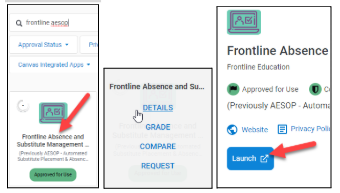
- Install the Frontline Education app.
|
 |
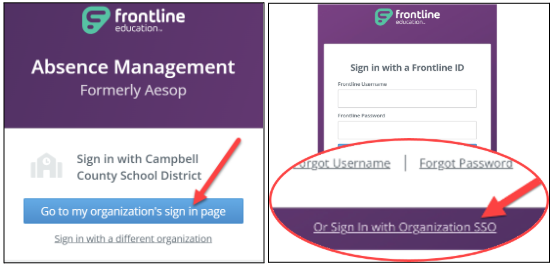
- Sign in using CCPS single sign-on (SSO).
- Click Sign In with Organization SSO
|
 |
- Type your CCPS email address.
- Click “Look up organization sign in page.”
- Log into Microsoft with your work email and password if prompted.
|
 |
- Click on your role and then click Continue.
|
 |
- Setting up your biometrics login is optional. You can click “No, Thanks.”
|
 |
- This is your home screen.
- You can create Absences.
- You can view Leave Balances.
|