Installing a printer on your computer
Printers can be installed from the Q drive.
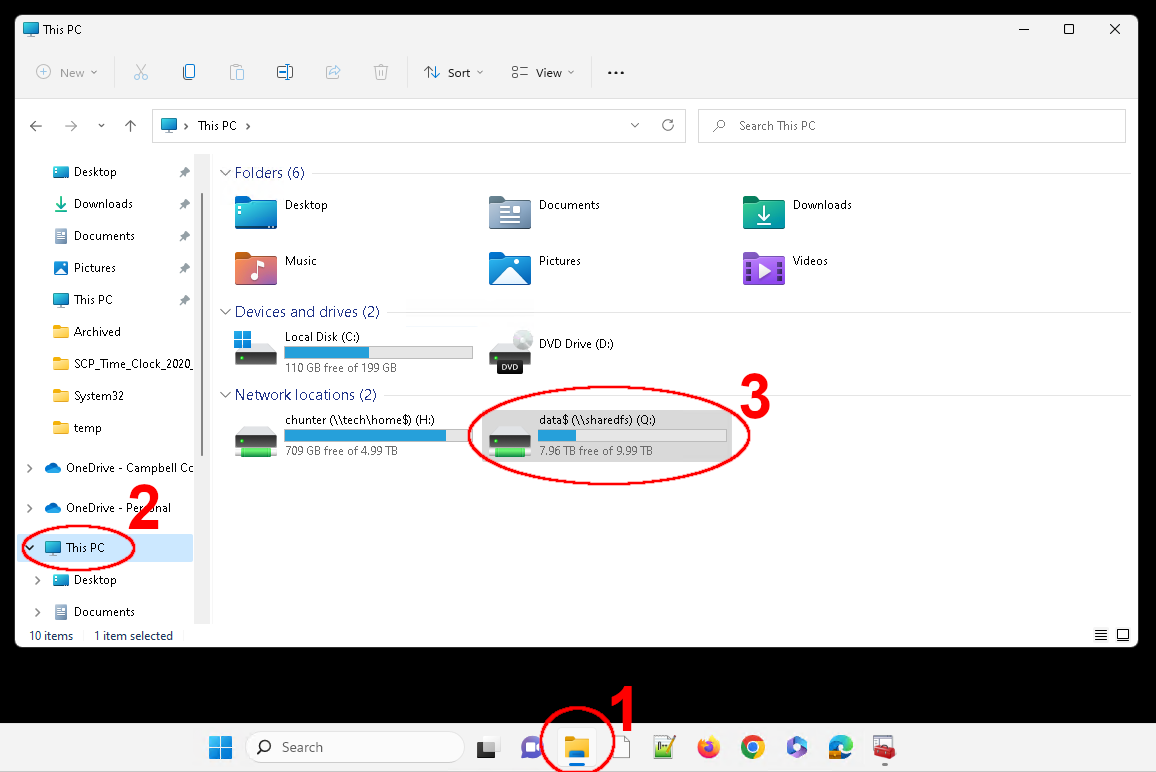
Click theFile Explorericon in your task bar, then clickThis PC, then double-click theQdrive: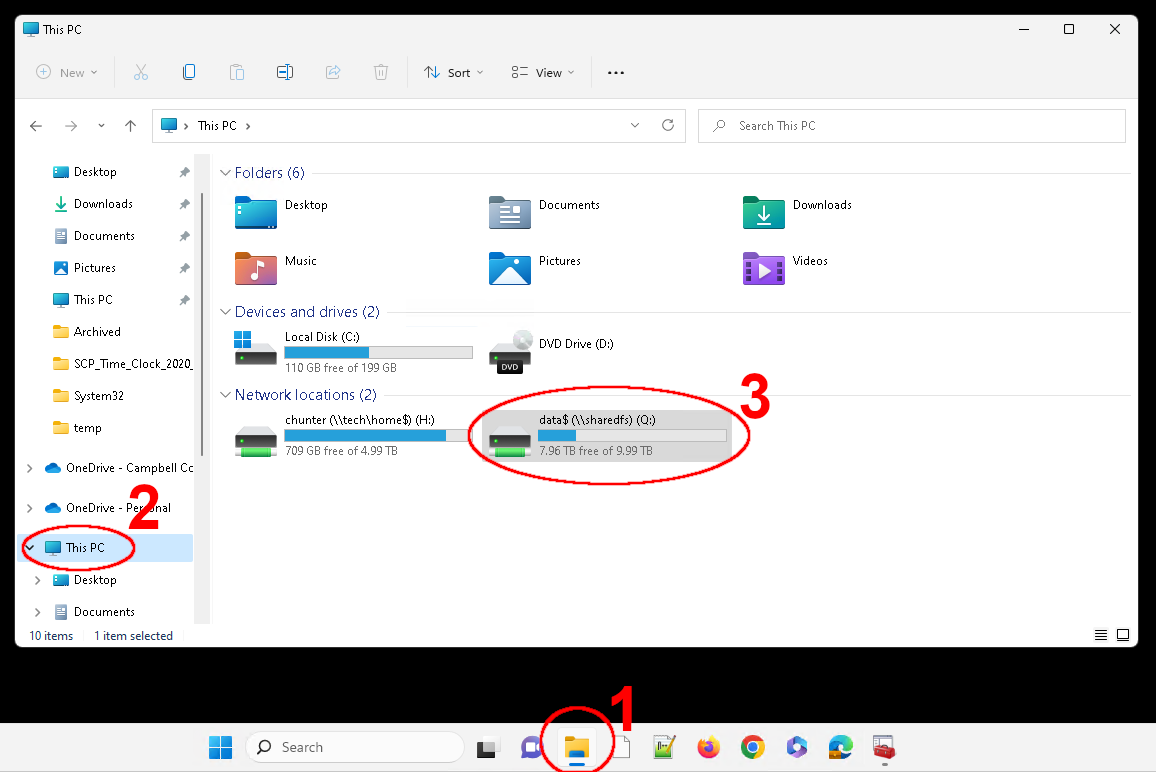
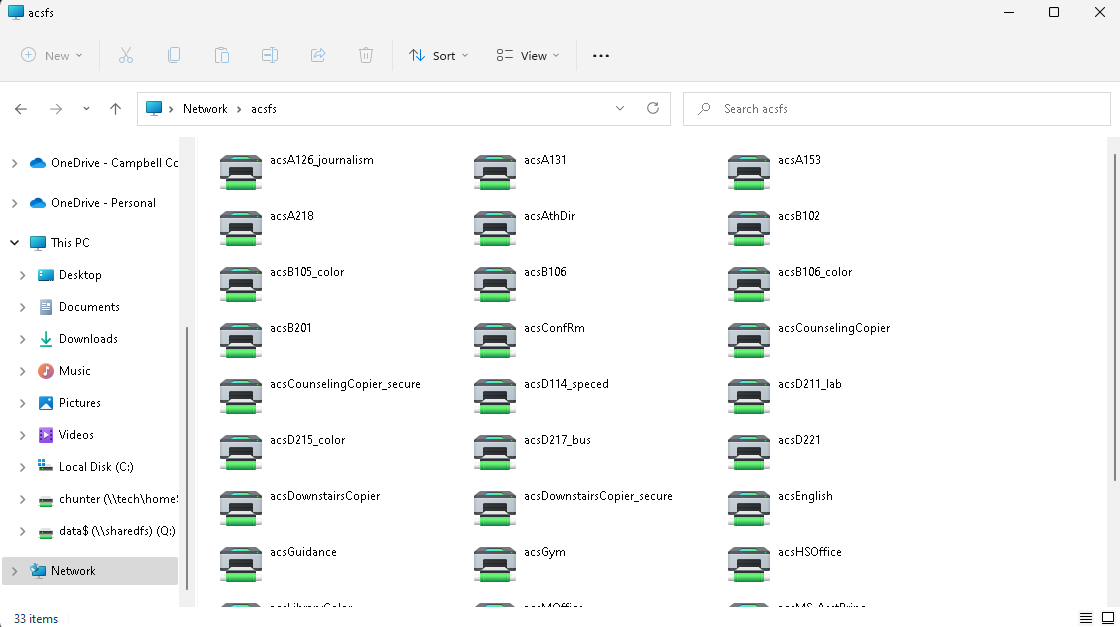
You should see a list of folders in the Q drive. Double-click thePrintersfolder, then your school to see a list of printers at your school: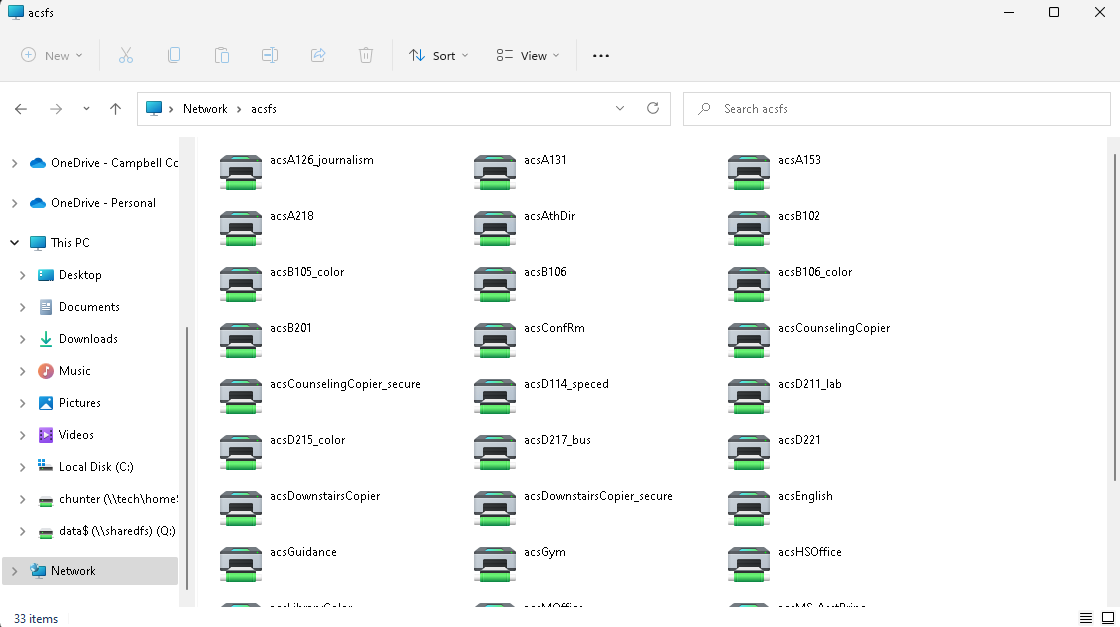
Double-click the name of the printer and the printer will be installed on your computer automatically.Verify the printer was installed by trying to print a document.