Skip to main content
CCPS Knowledge Base
View All
Search
Shelves
Books
Log in
Info
Content
Updating your CCPS iPad
Page Revisions
Revision #2412 Changes
Updating your CCPS iPad
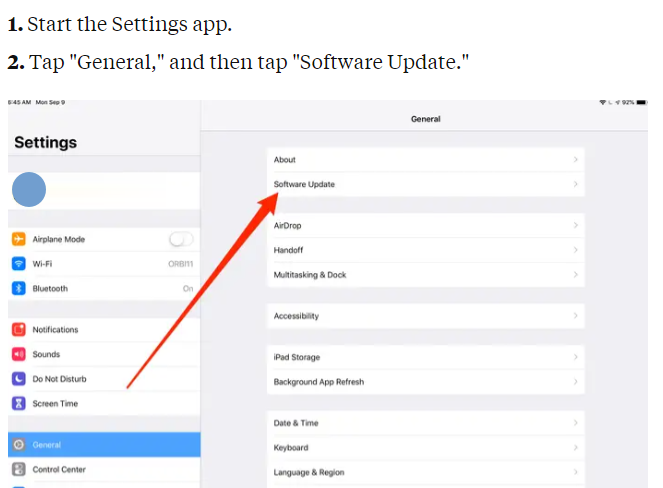
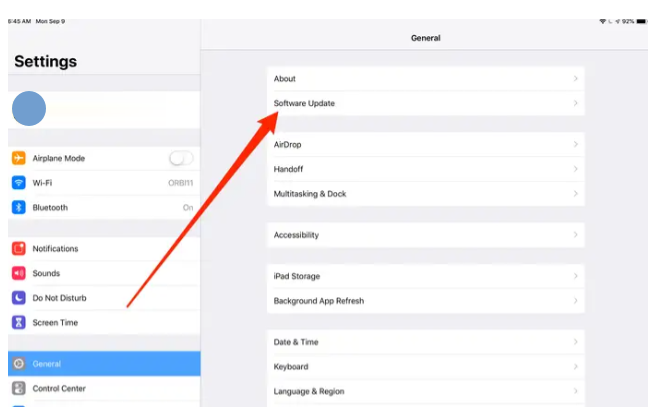
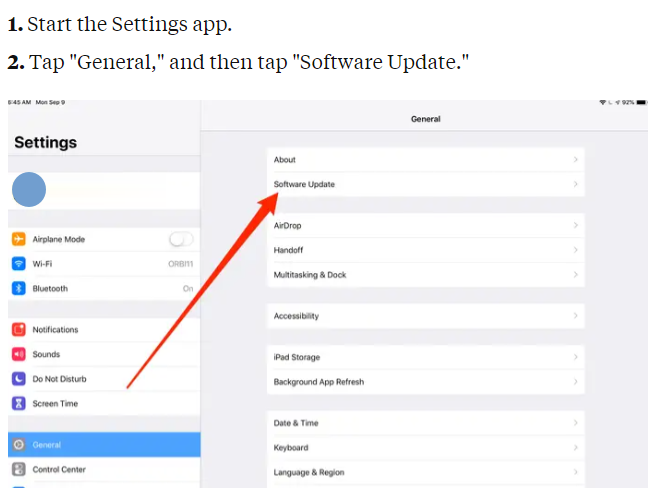
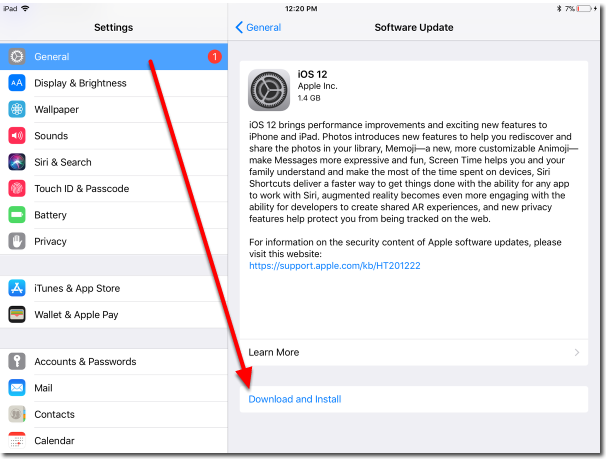
Start the Settings app.
Tap "General," and then tap "Software Update."
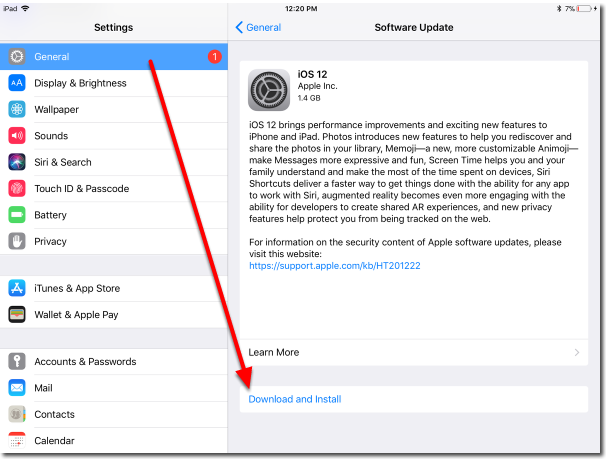
If
there's an update available, tab "Download and Install."
Back to top